
Gallaxia Gaming app iconGALLAXIA GAMING
MOBILE APP
YOUR COMMUNITY EVERYWHERE

YOUR GALLAXIA COMMUNITY. ONE TAP AWAY.

Explore games, follow Market Watch, meet creators, and keep up with community stories from your home screen.

Choose Install to see the steps for your browser.

This is an installable web app from our website, not a native App Store or Google Play download. An internet connection is required for current pages and community voting.

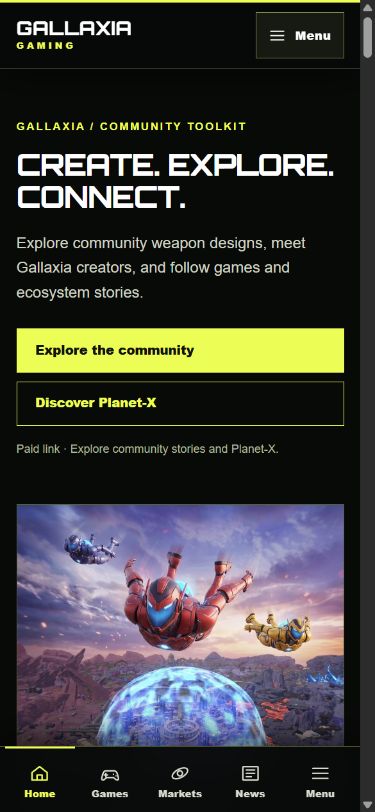
Real mobile screenshot of the Gallaxia Gaming homepage
Community homepage
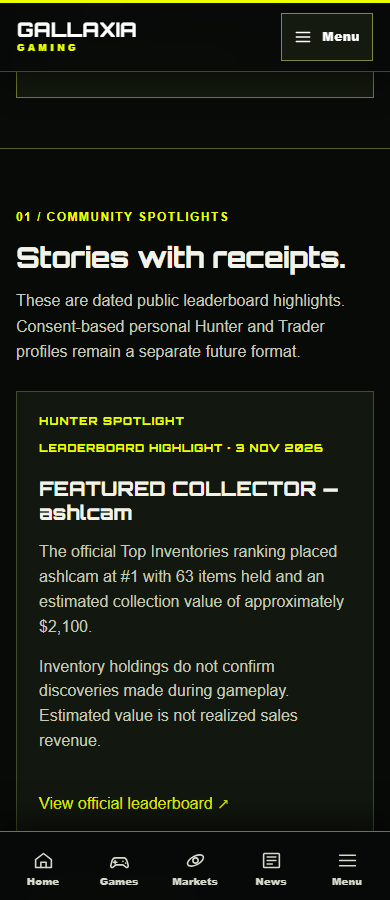
Real mobile screenshot of the Hunter Spotlight and Trader Spotlight page
Hunters & Traders
EXPLORE FROM YOUR HOME SCREEN

Your community, one tap away.

INSTALL FROM YOUR BROWSER

Add Gallaxia Gaming to your home screen

Android · Chrome

  1. Open this page in Chrome.
  2. Tap Install Gallaxia Gaming above if Chrome offers an install prompt.
  3. If no prompt appears, open the browser menu and choose Install app or Add to Home screen.

Menu wording varies by Android version and browser.

iPhone · Safari

  1. Open this page in Safari.
  2. Tap Share, then Add to Home Screen.
  3. Confirm the name and tap Add.

iPhone installation uses Safari's Share menu; a website button cannot open that menu.